Since Copier version 1.6.0, the copier includes a settings section in addition to EA settings in the Expert advisor. The copier settings is inclusive of 4 tabs. Namely, Signal commands, Symbols, Skip commands and General.
Signal commands
In this section, the user can define custom keywords for signals and signal commands. The system supports Unicode as well as other languages. Therefore users can add emoji’s as well as words of other languages in this section if required. All keywords must be separated using a comma (“,”).
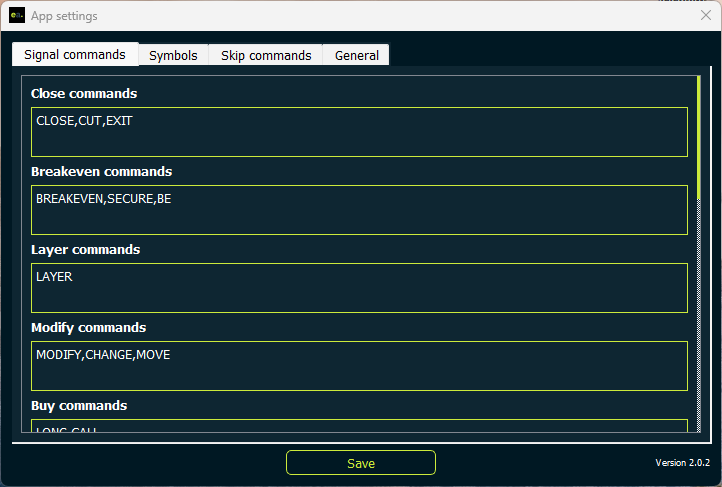
Example:
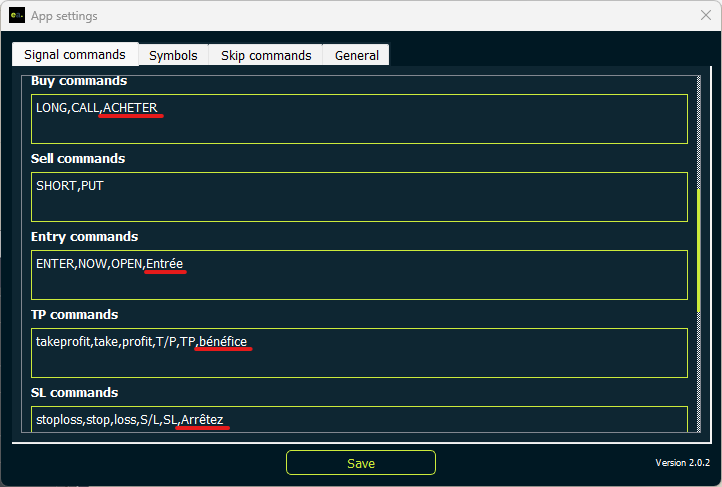
The user can make the copier understand the following signal which is in French by defining custom keywords.
ACHETER EURUSD Entrée à 1.1000
Arrêtez 0.9800
bénéfice 1.2000
above signal will translate to:
BUY EURUSD Entry at 1.1000
SL 0.9800
TP 1.2000
With the use of the below signal command settings :
Symbols
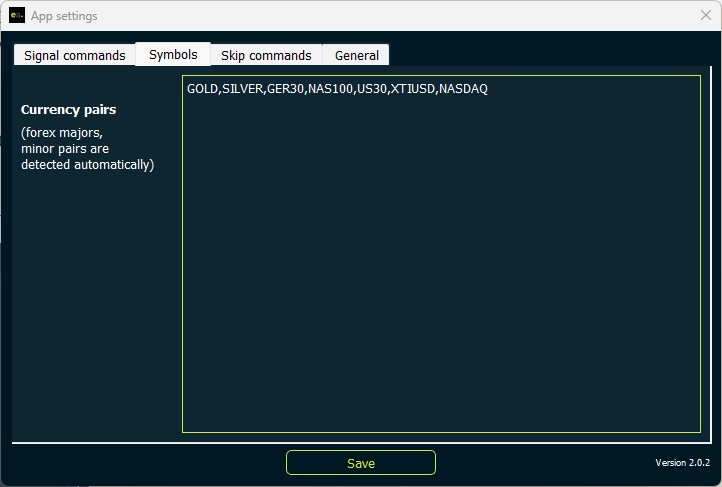
In this section, users can define custom symbols that are available in telegram signals. By default, the copier will recognize most of the commonly used forex pairs and Crypto pairs. However most of exotic
currency pairs, indexes, commodities, futures and new crypto pairs will have to be added here.
Skip commands
Skip commands, a new addition to the copier settings allows users to add skip words for signals and signal updates/ replies.
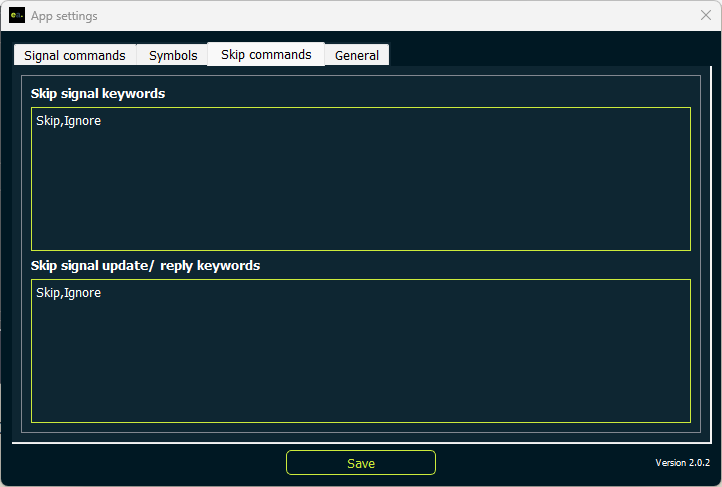
The copier will skip signals/ signal updates which include the skip words defined in this tab.
Example:
- A user has added words skip and ignore in the skip signal keywords input. In such cases, signals similar to shown below will be ignored by the copier.
GOLD BUY AT SKIP 1924
SL 1800.00
TP 1234
XAUUSD SELL IGNORE
ENTRY 1915.30
SL 1920.30
TP 1913.80
TP 1912.30
TP 1910.30- A user has added words skip and ignore in the skip signal update/reply keywords input. In such cases, signal updates/ replies similar to shown below will be ignored by the copier.
XAUUSD close skipLayer ignore now!General
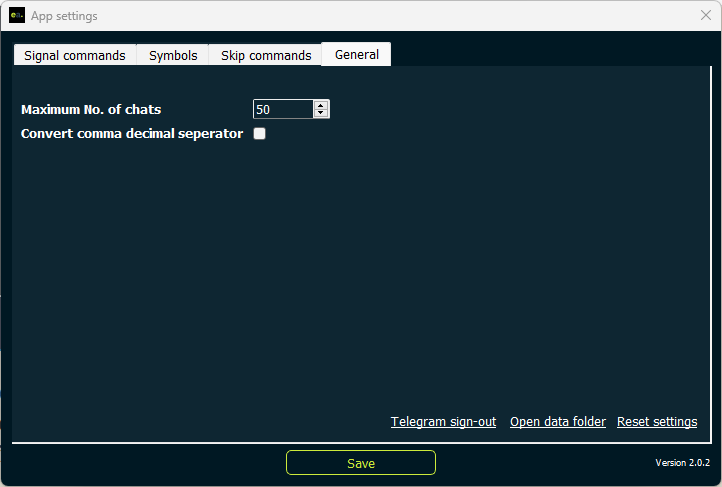
In this section, users can define how many chats to be displayed when configuring MT4. The default is set to a 50 chats to prevent time lags and to avoid flood errors from telegram servers.
The user can also choose to convert all comma decimal separators. If a channel uses a comma as a decimal separator. by checking this setting the user can convert them into a period (.) so that the copier will be able to recognize it correctly.
Example:
If the channel posts a signal similar to shown below,
GBPJPY BUY 164,90
SL 164,30
TP1 165,10
TP2 165,40
TP3 165,90
By checking this setting, The above signal will be converted into the following signal:
GBPJPY BUY 164.90
SL 164.30
TP1 165.10
TP2 165.40
TP3 165.90
Also this section includes a button to open data folder and a button to reset all copier app settings to default.